How to synchronize my data with OKX
How to synchronize my data with OKX and create my API key.
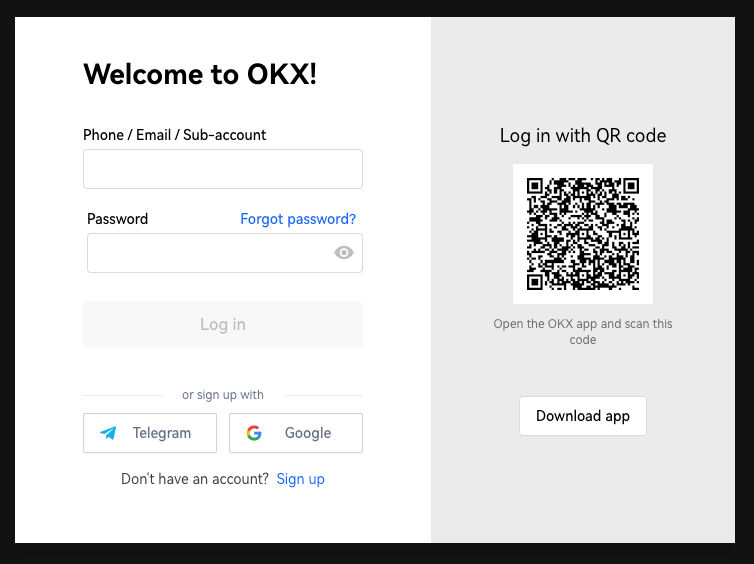
Step 1: Log in to your OKX account
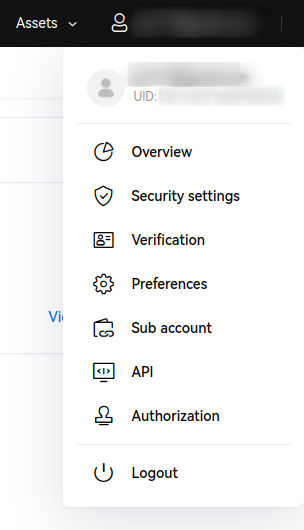
- Click on your profile picture in the top corner, then go to "API"
- Click on "Create V5 API key"
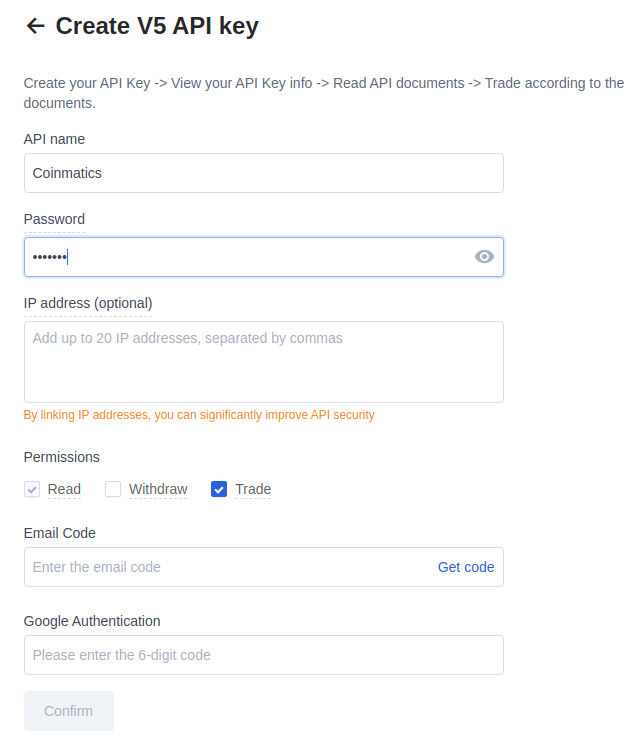
- Enter the required information to create the API:
API name: for example Exceefy
Password (Passphrase): security password (note: do NOT use something like 123456), keep it safe, you will need it later.
IP address (optional): add 37.187.134.89 to secure access to your API key.
Permissions: check only
- Read
🚨 Important: do NOT check Withdraw or Trade, only the Read permission is required.
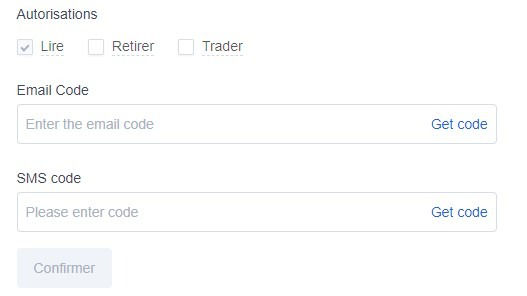
- Confirm the security verification (Email Code / SMS Code / Google Authentication), then click "Confirm"
- Copy your API key, Secret key, and Passphrase
Step 2: Add the API key in Exceefy
- Click on the profile icon, then go to Settings > Wallet
- Select an existing wallet or create a new one
- Fill in the required information:
Wallet name Platform: choose OKX
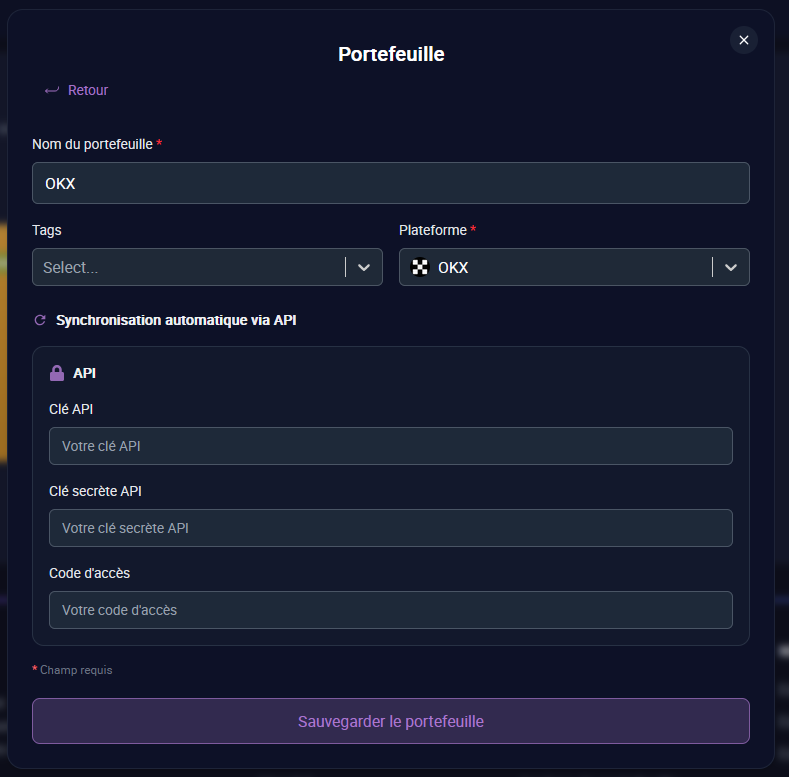
- Three new fields will appear: API Key, Secret API Key, and Passphrase
- Copy/paste the information generated from your OKX account (see Step 1)
- Click on "Save and test"
👉 If the information is correct, two new buttons will appear:
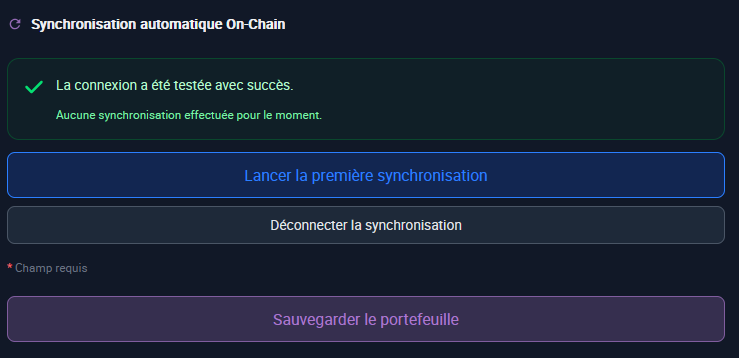
- Start first synchronization: launch the initial import of your transactions (this may take a few minutes). During the first sync, average prices (cost basis) will not be filled in because OKX does not provide this data. You will need to manually edit your asset lines to set the initial cost basis. Future transactions will be filled in automatically.
- You will receive a notification once the synchronization is complete.
Step 3: Transaction tracking
- Once the synchronization is complete ✅, all your OKX transactions are imported into Exceefy
- Future transactions will be automatically synced every 24 hours
- Don't worry if you don't see your latest transactions immediately, they will appear during the next update