How to share a wallet
Easily share your Exceefy portfolio via a unique link, with or without password, for coaching, mutual aid or follow -up with friends.
On Exceefy, you can share your wallet via a unique link, with or without password according to your preference.This allows a third party to easily consult your wallet, whether in a frame of coaching, sharing with friends or other.
Steps to share a wallet:
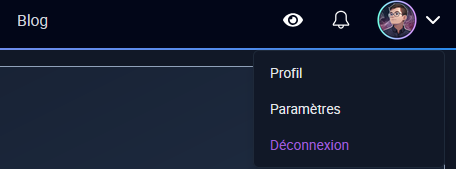
- Click on your profile photo, then go to the profile section.

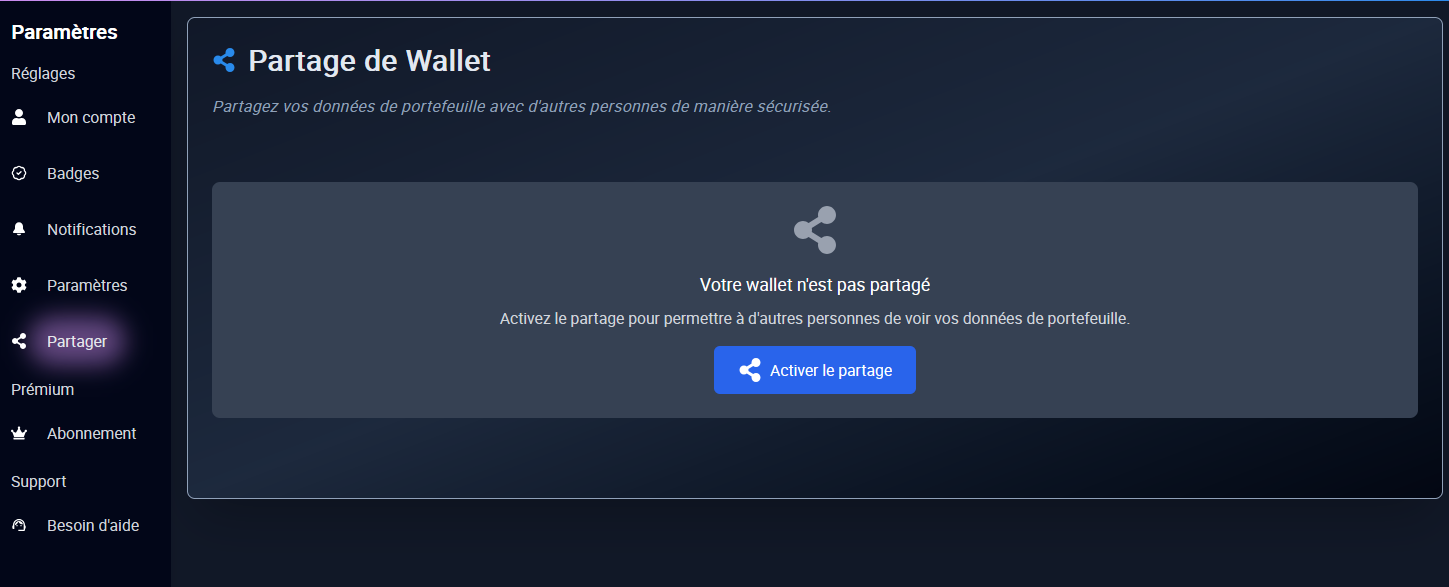
In the navigation bar on the left, click Share.
Activate sharing by clicking on Activate sharing.

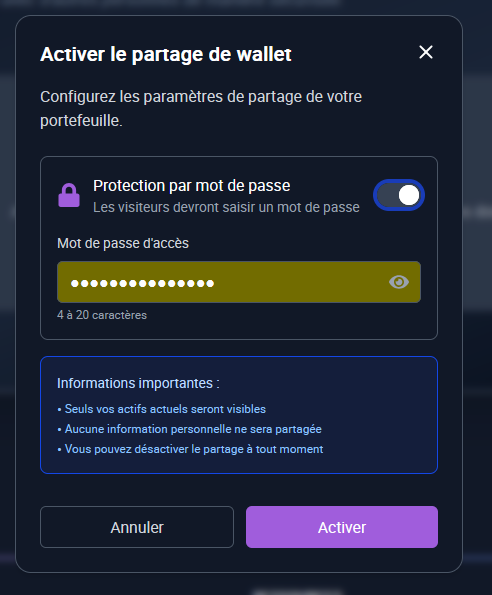
You then have the choice:
Add a password to secure access, or leave the link freely accessible.

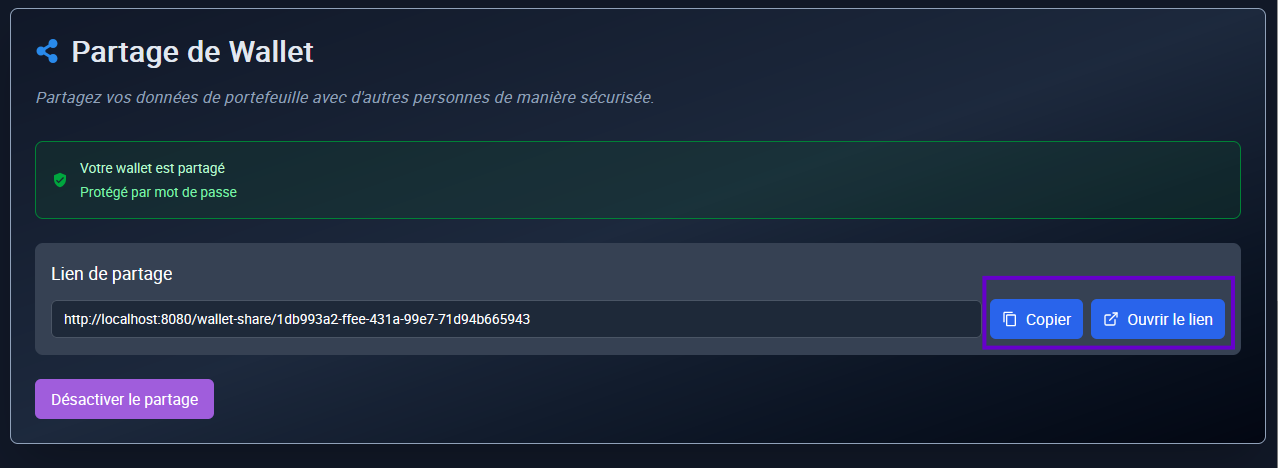
Once activated, a unique link will appear on the screen:
Click Copy to put it in your clipboard, or on Open to display it directly.

👉 This link can then be shared with the person of your choice.