How to export my data
Exceefy allows you to export your data to CSV or Excel, whether by portfolio or overall, and your choice by assets or transactions.
On Exceefy, you have several options for exporting your data, whether All your portfolios combined or a specific portfolio.
👉 To launch an export, you can go through different places:
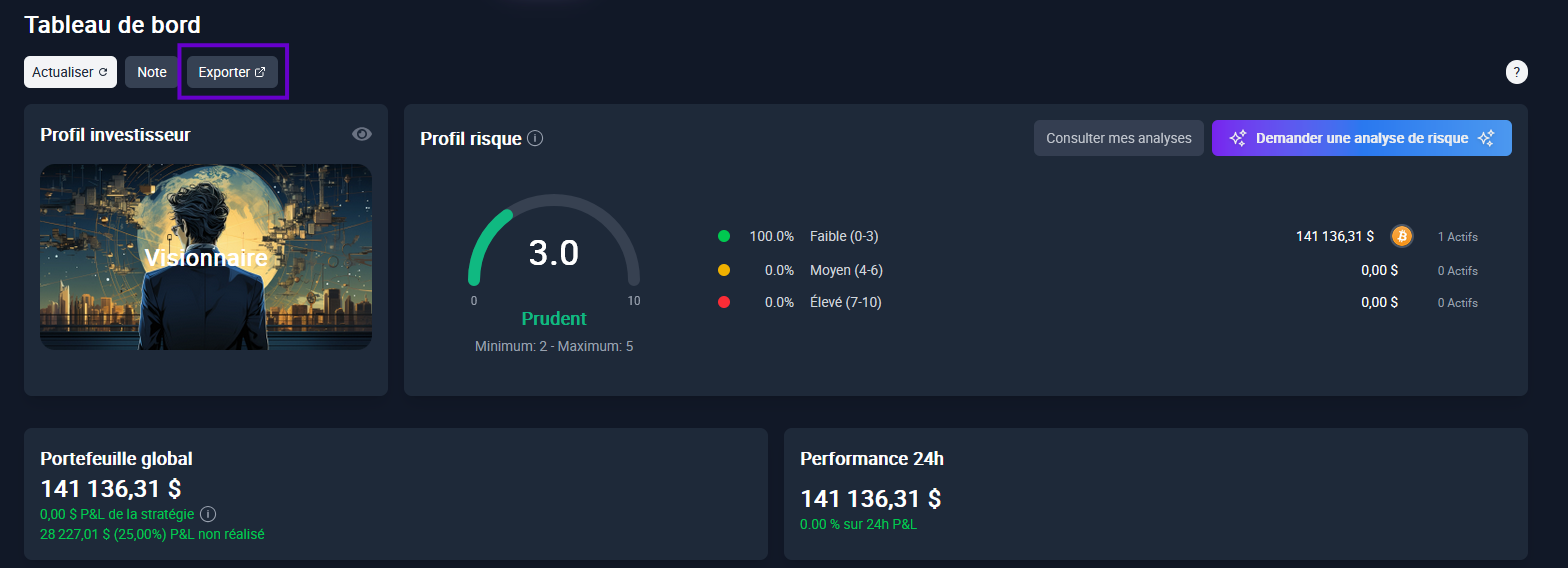
- From the Dashboard: Click the export button at the top of the page. By default, export will include all your portfolios, but you can change the selection.
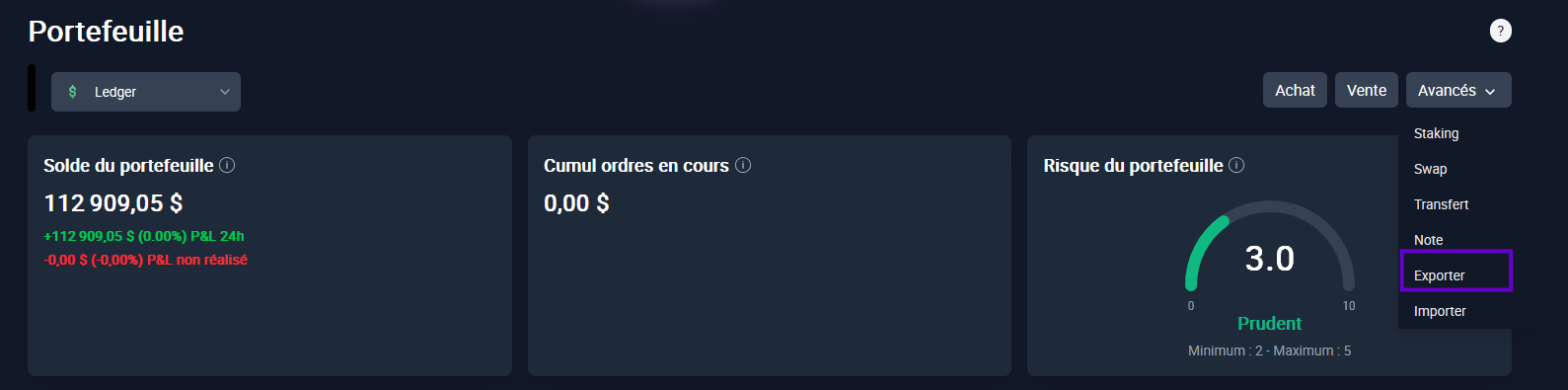
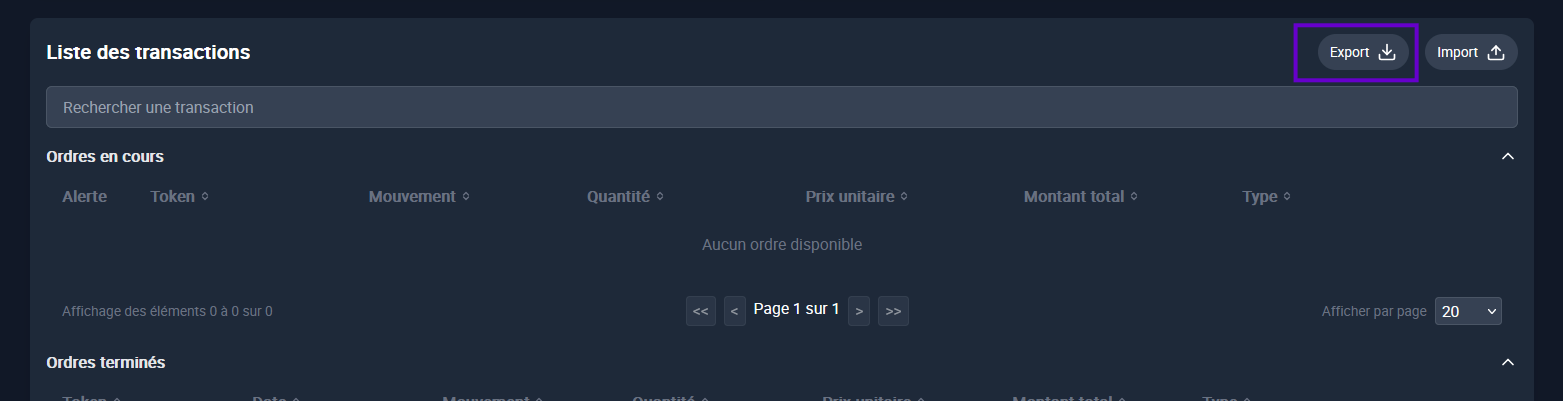
- From a portfolio: Go to the advanced tab, in the List of transactions or in the List of assets. In this case, the selected portfolio will be automatically taken into account for export.
💡 No matter where you start export, you can change at any time the data concerned (all portfolios or a specific wallet).
Available formats:
Excel (.xlsx)
CSV (.csv)
Exportable data type:
Assets
Transactions

⚠️ Exports are instantly done and you can download them immediately.